
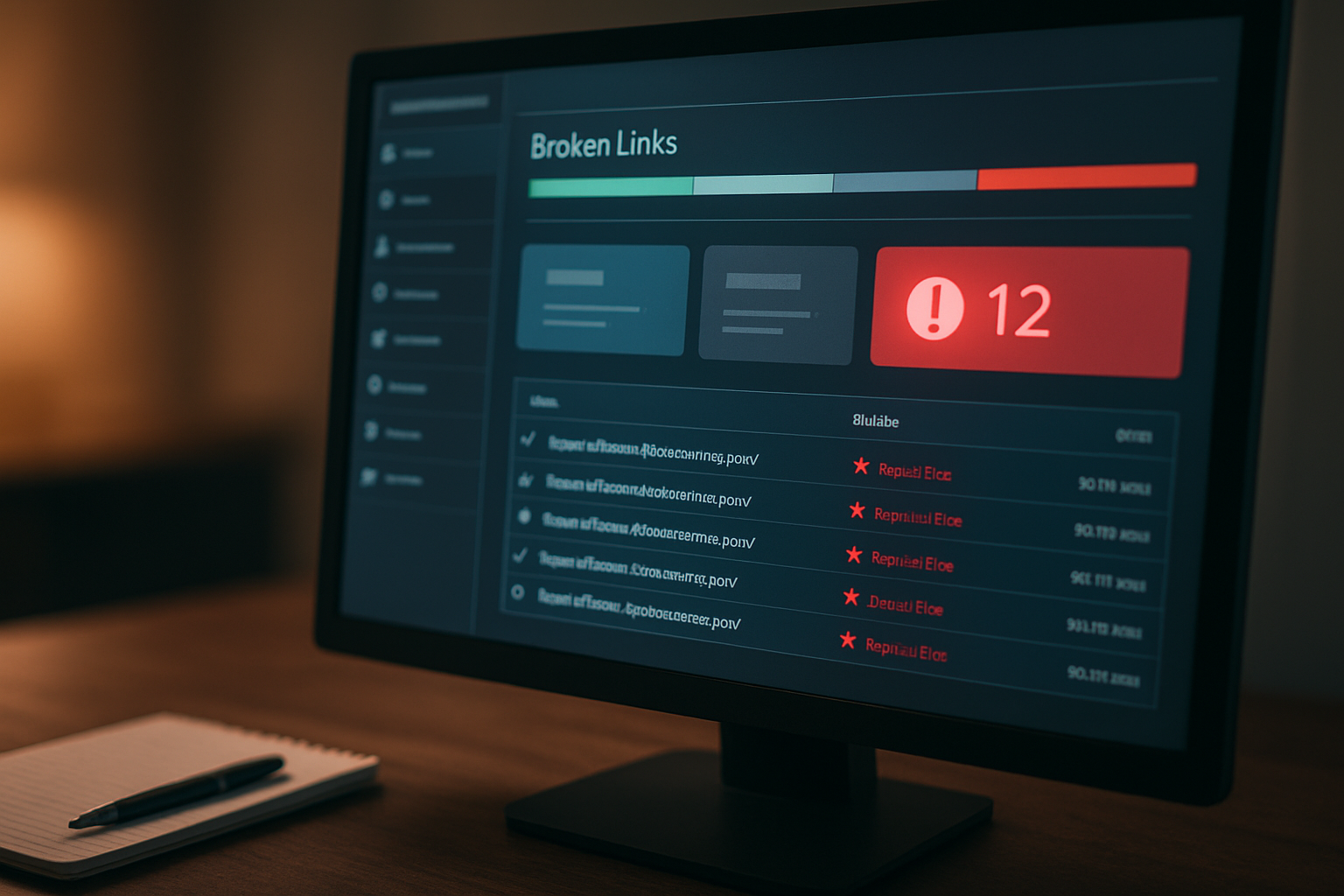

Understanding the Importance of Auditing Your Website for Broken Links
Impact of Broken Links on SEO
How to audit your — How to audit your website for broken links in under an hour. Broken links can have a detrimental effect on your website’s SEO performance. When search engines crawl your site, they expect to find valid links leading to relevant content. If they encounter broken links, it may lead to a negative assessment of your site’s quality. Search engines prioritize user experience, and broken links can signal that a site is poorly maintained. Websites with numerous broken links may see a drop in rankings, as search engines may assume that the content is outdated or irrelevant.

User Experience and Engagement
User experience is a critical factor in retaining visitors on your website. When users click on a link that leads to a 404 error page or other broken link, their experience is disrupted. This can lead to frustration and potentially drive them away from your site. A positive user experience encourages engagement, such as browsing additional pages, signing up for newsletters, or making purchases. Therefore, maintaining a website free of broken links is essential for keeping users satisfied and engaged with your content.
Related reading: Understanding the Metaverse: How we will socialize in 2026.
How Search Engines Handle Broken Links
Search engines utilize crawling bots to index websites, and they expect these bots to find valid links that lead to valuable content. When a bot encounters a broken link, it may mark the page as less trustworthy, which can affect the overall credibility of your website. Additionally, persistent broken links can lead to a decrease in crawl budget, meaning that search engines may allocate fewer resources to your site, potentially leaving important pages unindexed.
To maintain optimal visibility in search results, it's essential to regularly audit your website for broken links and address any issues promptly.
— To maintain optimal visibility in search results, it's essential to regularly audit your website for broken links and address any issues promptly.
For more information on the impact of broken links on SEO, you can visit Moz’s guide on broken links.
Setting Up Your Audit: Tools You Need
Popular Tools for Finding Broken Links
When it comes to auditing your website for broken links, several tools can help streamline the process. One of the most widely used is Screaming Frog SEO Spider, which allows you to crawl your website and identify broken links quickly. This tool provides a comprehensive report that highlights all URLs that return a 404 error, making it easy to pinpoint issues. Another popular option is Ahrefs, which not only finds broken links but also provides insights into backlinks and SEO performance.
When it comes to auditing your website for broken links, several tools can help streamline the process. One of the most widely used is Screaming Frog SEO Spider, which allows you to crawl your websit
If you're looking for a free solution, consider using Dead Link Checker, a straightforward web-based tool that scans your site for dead links and generates a report. Learning about How to audit y
If you're looking for a free solution, consider using Dead Link Checker, a straightforward web-based tool that scans your site for dead links and generates a report.
will depend on your specific needs and whether you’re looking for a free or paid solution.
Setting Up Google Search Console
Google Search Console is an essential tool for any website owner, and it plays a significant role in auditing for broken links. To get started, you'll need to verify your website with Google Search Console. Once your site is verified, you can access the "Coverage" report, which outlines crawl errors, including broken links. The "Links" section will also show you any internal and external links that are broken. By regularly checking these reports, you can stay ahead of any issues that may affect your site's performance and user experience.
Setting up Google Search Console not only helps identify broken links but also provides valuable SEO insights, making it a must-have tool in your auditing toolkit.
Using Browser Extensions for Quick Checks
If you’re looking for a quick and convenient way to check for broken links while browsing, browser extensions can be incredibly helpful. Extensions such as Check My Links for Google Chrome allow you to scan a webpage for broken links with just a click. This tool highlights all the links on the current page and marks any broken ones in red, making it visually easy to identify issues. Another useful extension is Link Checker, which works similarly and can be used on multiple browsers.
These browser extensions are particularly useful for quick checks during content creation or while reviewing your website’s pages, allowing you to catch broken links on the fly without running a full audit.
Step-by-Step Guide to Audit Your Website for Broken Links
Preparing Your Website for the Audit
Before diving into the audit process, it’s crucial to prepare your website to ensure a smooth and efficient experience. Start by creating a comprehensive list of all the URLs on your site. This can be achieved by using a sitemap if available or by manually listing the pages. Ensure that your list is up-to-date, reflecting the current structure of your website. Additionally, consider the scope of your audit; decide if you want to cover all pages or focus on specific sections, such as your blog or product pages.
Next, choose a time when your website has lower traffic to minimize disruption during the audit process. If your site has many subdomains or external links, make sure to note these as well, as they can also contain broken links that may affect your SEO and user experience.
Executing the Audit with Your Chosen Tool
Once your website is prepared, it’s time to execute the audit using your chosen tool. There are various tools available, such as Screaming Frog, Ahrefs, or online services like Dead Link Checker. Select the tool that best fits your needs and budget. Input your website URL into the tool and initiate the crawl. Depending on the size of your website, this process may take a few minutes. The tool will scan your site and compile a report of all links, highlighting any that are broken.
After the scan is complete, review the report to understand the extent of the broken links. Most tools will categorize the links, allowing you to easily identify internal and external broken links. Take detailed notes on the links that need fixing and prioritize them based on their impact on user experience and SEO.
Identifying Different Types of Broken Links
In your audit report, you may encounter various types of broken links. Understanding these categories is vital for effective resolution. The most common type is a 404 error, which indicates that the page no longer exists. This can occur due to deleted pages or incorrect URLs. Another type is the 500 error, which signifies a server issue that prevents the page from loading. Additionally, you may come across links that lead to redirects, which can also impact site performance if they are excessive or broken.
Be sure to differentiate between internal and external broken links. Internal links are those that point to other pages within your website, while external links lead to other websites. Both types are essential for maintaining a seamless user experience and SEO health. By identifying and categorizing these links, you can take appropriate action to fix or redirect them, ensuring your website remains functional and user-friendly.
Analyzing the Results of Your Broken Link Audit
Interpreting the Data from Your Audit
After running your broken link audit, the first step is to carefully examine the data presented. Most auditing tools will provide a list of broken links categorized by the type of link (internal or external) and the status code returned. Pay attention to the status codes; links that return a 404 error indicate the page is not found, while 500 errors denote server issues. Understanding these codes is crucial, as they inform you about the nature of the problem. Take note of the URLs, the pages where they are linked, and the frequency of occurrences.
This data will serve as the foundation for your next steps.
Prioritizing Links to Fix
Not all broken links are created equal, and prioritizing which links to fix can save you time and effort. Start by identifying links that are most critical to your site's functionality and user experience. Internal links that lead to important pages, such as services or product pages, should be addressed first. Next, consider the impact of external links—if a high-profile page on your site links to a broken external resource, it could harm your credibility.
Prioritize fixing links based on their traffic volume, the authority of the linking pages, and the potential impact on user experience. Creating a simple spreadsheet can help you track the priority level and status of each link you intend to fix.
Understanding the Impact of Internal vs. External Links
When analyzing the results of your broken link audit, it's essential to differentiate between internal and external links, as they have different impacts on your website's performance and SEO. Internal links contribute to your site's navigation and help search engines understand the structure of your content. Fixing broken internal links can enhance user experience and retention, as users can navigate your site seamlessly. On the other hand, external links can affect your site's authority and trustworthiness.
A broken external link can lead to a poor user experience, as visitors may find it frustrating to access outdated or non-existent content. Balancing the repair of both types of links is vital to maintaining the health of your website.
Fixing Broken Links: Best Practices
Redirect Strategies for Broken Links
When dealing with broken links, implementing effective redirect strategies is crucial. The most common method is the 301 redirect, which permanently redirects users and search engines from the broken URL to a new one. This helps preserve your site's SEO value and ensures that visitors can access relevant content. Another option is the 302 redirect, which is temporary and should be used when you expect the original URL to be restored soon.
However, it’s essential to use redirects judiciously, as excessive redirects can lead to a poor user experience and negatively impact page load times.
Updating Content to Remove Broken Links
One of the simplest and most effective ways to fix broken links is by updating your content. This involves regularly reviewing your website to identify links that lead to 404 error pages or outdated resources. Once identified, you can either replace the broken link with a new, relevant link or remove it altogether if no suitable replacement exists. Keeping your content fresh and up-to-date not only enhances user experience but also boosts your site's credibility and authority.
Additionally, consider creating a content calendar to schedule regular audits, ensuring that broken links are addressed promptly.
Using 404 Pages Effectively
Even with the best efforts, some broken links may still slip through. This is where a well-designed 404 page comes into play. A 404 page informs users that the requested resource is not found and provides them with options to navigate the site further. A good 404 page should include a search bar, links to popular or related content, and a friendly message to guide users back to functional pages. This approach minimizes frustration and encourages continued engagement with your site.
Moreover, customizing your 404 page to reflect your brand's personality can turn a negative experience into a positive one, making users more likely to stay on your site.
Maintaining Your Website: Regular Audits and Monitoring
Setting a Schedule for Regular Audits
To ensure that your website remains functional and user-friendly, setting a schedule for regular audits is essential. Depending on the size and complexity of your website, you may want to conduct these audits monthly, quarterly, or biannually. A monthly audit can be beneficial for smaller websites, while larger sites may find quarterly audits more manageable. The key is consistency; having a regular schedule will help you catch broken links and other issues before they impact your users.
When planning your audit schedule, consider integrating it into your overall website maintenance plan. This ensures that you allocate sufficient time and resources for the task. Additionally, documenting your findings and actions taken during each audit can serve as a helpful reference for future checks.
Using Automation Tools for Ongoing Monitoring
Utilizing automation tools can significantly streamline the process of monitoring your website for broken links. Various tools are available that can automatically scan your site at set intervals, alerting you to any broken links or other issues. Some popular options include Screaming Frog, Ahrefs, and Google Search Console. These tools provide comprehensive reports and insights, allowing you to address problems promptly.
By implementing these automation tools, you can save time and ensure that you are consistently alerted to issues as they arise. This proactive approach helps maintain the integrity of your website and improves user experience. Additionally, many of these tools offer features for tracking historical data, which can help you analyze trends and make informed decisions regarding your website’s health.
Staying Informed About Link Management
Link management is a crucial aspect of maintaining a healthy website. Staying informed about best practices and emerging trends in link management can help you avoid pitfalls and ensure that your links remain functional. Regularly reading industry blogs, joining online forums, and participating in webinars can provide valuable insights and updates.
Additionally, understanding the importance of internal linking and external linking strategies can enhance your website’s SEO performance. By making a habit of educating yourself about link management, you can be proactive in identifying potential issues before they become significant problems. This knowledge will empower you to make informed decisions about your website’s structure and content, ultimately leading to a better user experience and improved search engine rankings.
For more resources, visit QuickGuideHub.
Authoritative sources: How to audit your — source.
Quick Reference Table
| Topic | Summary |
|---|---|
| How to audit your | Core concepts |
Explore this guide further
Visit QuickGuideHub for expert guides and tutorials.
Frequently Asked Questions
What is How to audit your?
This guide explains the essential ideas and practical applications.
Why does it matter?
Reliable information helps you make better decisions.
How do I get started?
Start with this article, then explore related guides on our website.
Who is it for?
Beginners and experienced readers alike will find value here.